Graduate Games News & Updates |

- Gamezebo has Previewed Best In Show Solitaire
- How a Stupid Prototype can become your next game
- Background Variety
- Dog Background Mix and Match
- Designing Backgrounds
- Finalizing the User Interface for Dog Solitaire
| Gamezebo has Previewed Best In Show Solitaire Posted: 30 Sep 2010 12:43 PM PDT
|
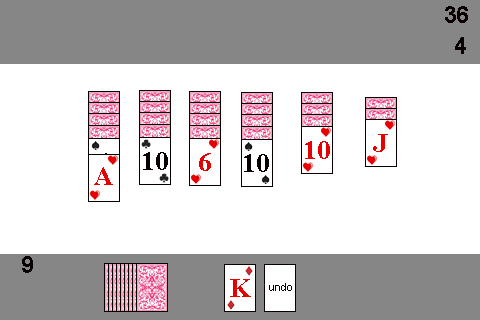
| How a Stupid Prototype can become your next game Posted: 17 May 2010 11:05 AM PDT Nothing beats getting a new phone. You wait and wait till that cell phone contract is up, so that you can get a great deal on whatever the hot new phone is at the Verizon Store. Well at the time my contract was up (Nov 2009), the 2 hot new phones at Verizon were the Motorola Droid and Blackberry Storm 2. Since I had a Blackberry for work, I stuck with it and went with the Storm 2. After purchasing my new touchscreen phone, I quickly began looking for some sweet games to play on it…but it was a Blackberry so finding something decent at a fair price was pretty much a bust. I definitely made a huge mistake when it comes to games/apps. Clearly, iPhone and Android are the markets for that (sorry, Blackberry AppWorld, but you suck. You’re top paid app is freaking BeBuzz – an audible and LED reminder tool). Having a Blackberry did not deter me though and since I am technically inclined, I started dreaming up games that I could put on my damn phone myself. So I started working on a simple game for my Blackberry Storm 2. I went with a simple solitaire card game idea and screwed around and programmed it for about 1-2 days. The game was simple, but ultimately I never really got it running/optimized to work well on my Blackberry. This was the first blackberry program I had ever attempted, so I wasn’t really expecting much. After 1-2 days of trying to learn something new and being frustrated by the device and my feeble efforts, I quit and forgot about ‘Mobile Solitaire’ (pictured below).
My mobile solitaire game sat on my laptop for months while we experienced one of the worst blizzard seasons ever in the Philadelphia area. There were several days that we were snowed into our house with our cat and dog. We let my Jack Russel, Pepper, out into the snow (which was higher than her) and it hit me how cool dogs are and what a great market they would be to have a game for. I didn’t really know of any games that centered around dogs and all the different breeds there are and thought it would make a great motif for a casual game and remembered my mobile solitaire prototype.
It didn’t take long to get my poorly running blackberry solitaire game resized and running fantastically on my PC. After only a few weeks of work, I was sold on the concept and starting looking for an artist to spiffy up my terrible programmers art with some adorable dogs like Pepper.
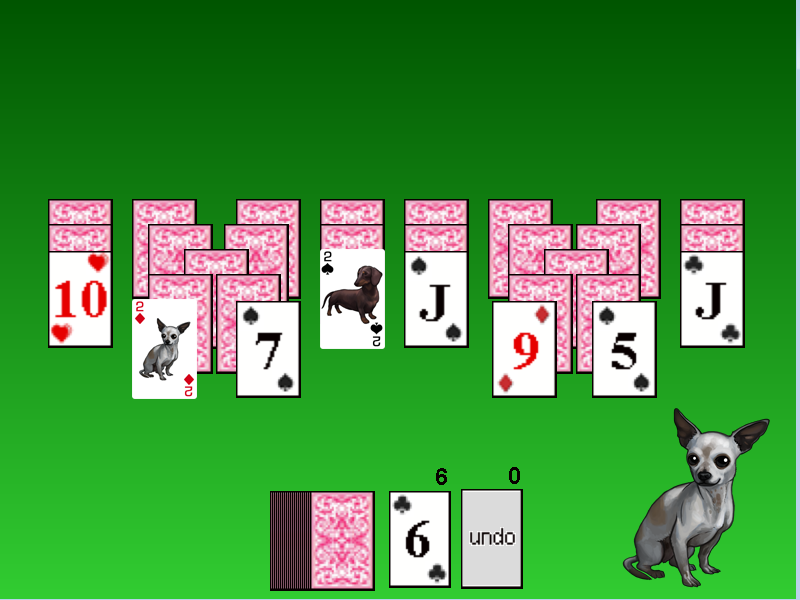
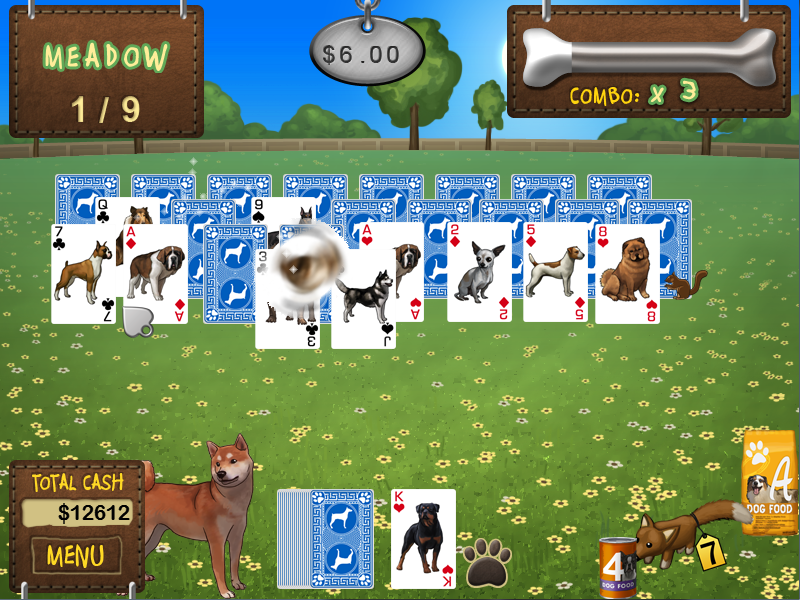
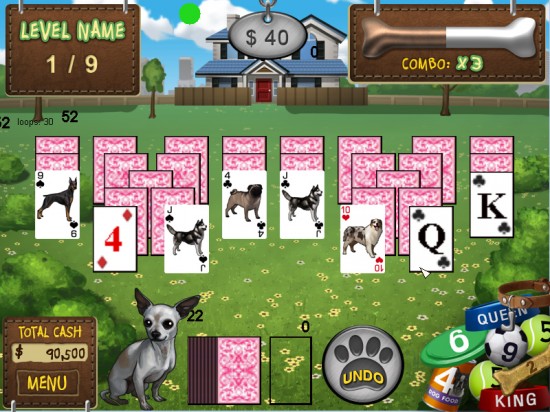
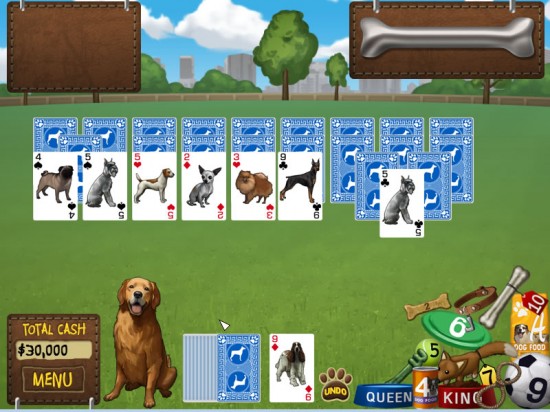
Thus Best in Show Solitaire was born. I had no idea when I was working on a little blackberry game that it would become a full fledged casual title, but it’s been progressing great and we recently announced it as our next game. I guess the moral of the story is to not be afraid to try new things. You may be wasting your time, but you may also create something that you come back to later on that may yield success. Of course the other moral of the story is to always save your work since you may end up using it later on as well. Dog Solitaire is getting closer and closer to beta and is looking great:
Only time will tell if the game ends up being a success and profitable, but I’m certainly hopeful and think that it’s already addictively fun to play. You read more about the game’s progress and production (designing backgrounds, selecting an artist, etc.) on our game development blog. Hopefully somebody will find a nugget of wisdom in my little story.
|
| Posted: 13 May 2010 12:06 PM PDT
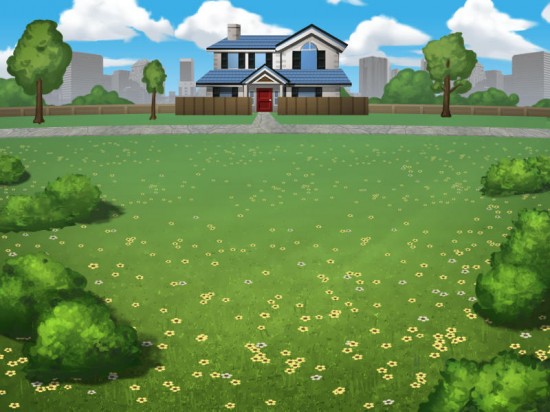
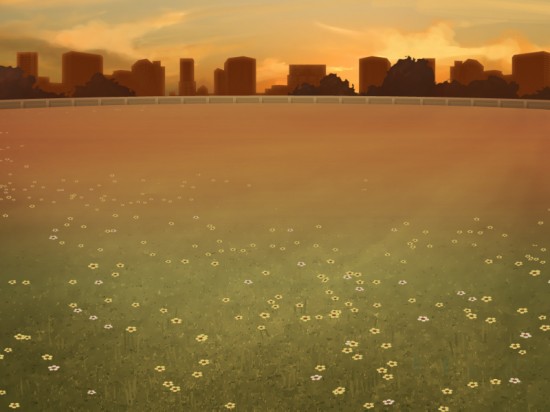
One of the really important things I decided early on was that I wanted to have good background variety. All of my locations had to fit into the dog motif (i.e. parks, lawns, etc) but having level after level of dog parks wouldn’t be very interesting for the player. So how could I add variety to the game?
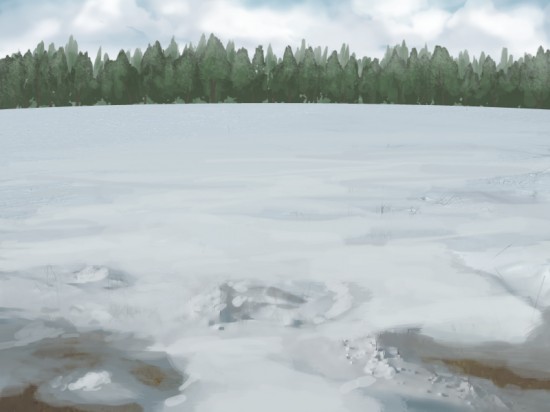
To add some variety into the backgrounds, we came up with some different seasons. In the winter, the fields and parks could be covered with snow and in the spring flowers could bloom on the grassy landscapes. This was a great first step, but I still felt that it wouldn’t give the player enough variety.
|
| Posted: 12 May 2010 12:17 PM PDT
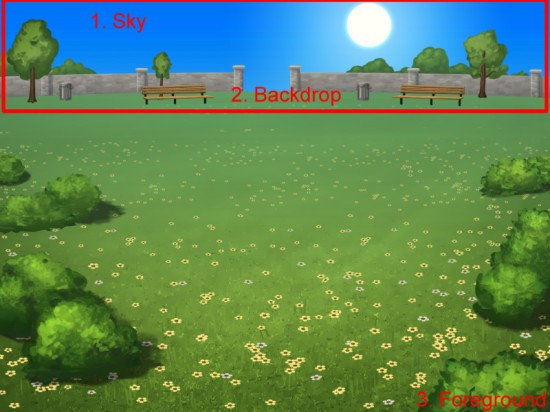
– 1. The Sky – there’s a ton of weather and other factors that make earth’s sky look different every day. We kept it simpler in our game and offer a variety of skies ranging from clear sunny days to cloudy overcast days to moonlit nights. – 2. Backdrop – the backdrop sits in front of the sky and is one of the more distinguishing parts of the background. It usually contains set pieces to help identify and differentiate each location. – 3. Foreground- Finally, there’s the foreground. This is where you can change an empty grass field into a city street or flower filled knoll. Don’t like the bushes in the picture above? Remove them. Don’t want the flowers, nix them. All of these actions will give players variety.
|
| Posted: 11 May 2010 12:06 PM PDT 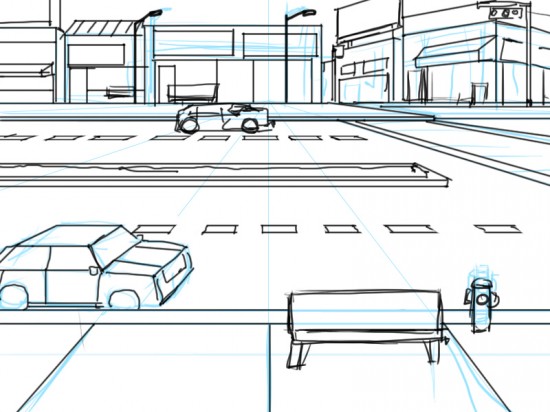 Step 1: Sketch While I was working on coding the gameplay and figuring out exactly what we needed for the User Interface, Jeff (our artist) started working on the backgrounds for all the different levels in the game. I had brainstormed a lot of great locations and gave Jeff the list. He started off by sketching out the basic layout of each location. – Once I approved his basic sketch, he quickly developed a solid concept that we could start experimenting with in-game:
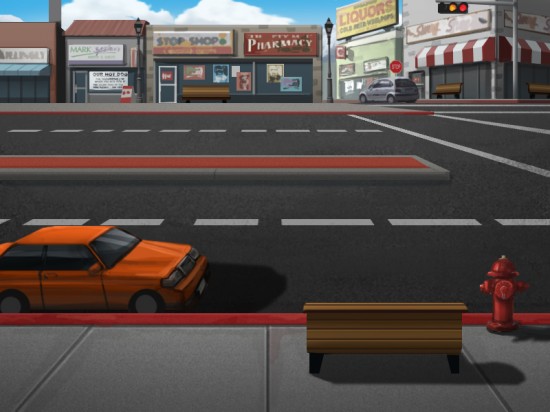
Above you can see our finished ‘city background.’ You can take your dog on a nice stroll through these city streets, but be sure to pickup after your dog.
|
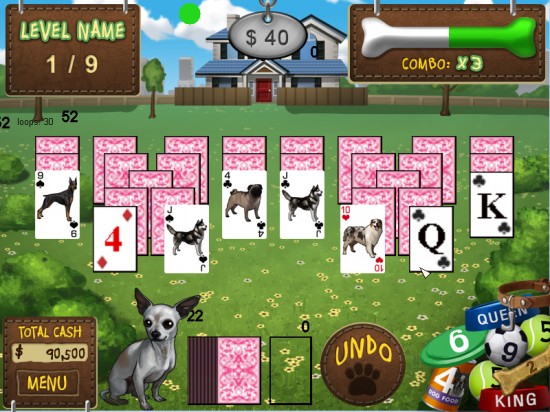
| Finalizing the User Interface for Dog Solitaire Posted: 04 May 2010 12:04 PM PDT 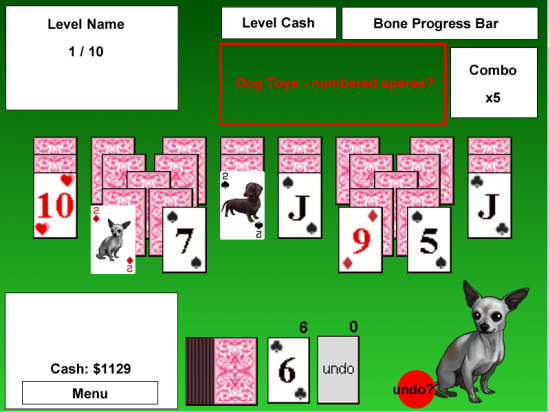 We started here From my sketch, Jeff turned around a pretty great initial HUD mockup:
|


| You are subscribed to email updates from Graduate Games Blog: Free Game Demos, Reviews, Gaming Features and more To stop receiving these emails, you may unsubscribe now. | Email delivery powered by Google |
| Google Inc., 20 West Kinzie, Chicago IL USA 60610 | |


0 comments:
Post a Comment